Microsoft 365
Microsoft 365 is the choice for businesses looking for an integrated solution that covers productivity, security, and management.
Microsoft 365 provides your business with powerful productivity tools, including email, file sharing, video conferencing, and collaboration apps. But having these tools isn't enough. You need them configured correctly, appropriately secured, and managed proactively.
That's where Wahaya IT comes in. We help mid-sized organizations in Baton Rouge maximize the benefits of Microsoft 365 while maintaining data security, ensuring system compliance, and promoting team productivity. No guesswork. No security gaps. Just reliable IT that supports your business every day.
Whether you're migrating from an older system, struggling with security concerns, or simply need better management of your current Microsoft 365 environment, we provide the expertise and ongoing support that keeps everything running smoothly.
Why Microsoft 365 Matters for Your Business
Microsoft 365 combines email, document storage, team collaboration, and essential business applications into a single cloud-based platform. Your team can work from anywhere, collaborate in real time, and access files securely from any device.
However, many businesses discover too late that Microsoft 365 requires proper configuration and management to deliver on its promises. Out-of-the-box settings leave security gaps. Default configurations don't meet compliance requirements. And without expert management, your team faces frequent disruptions and security risks.
We configure Microsoft 365 correctly from the start. We close the security gaps that cyber criminals exploit. We ensure you meet industry compliance standards. We monitor your environment 24/7 to identify and resolve issues before they impact your business.
Security Built into Every Layer
Cybersecurity isn't optional anymore. Every business faces constant threats—from phishing emails to ransomware attacks to credential theft. Your Microsoft 365 environment contains sensitive business data, customer information, and financial records. Protecting that data requires multiple layers of security working together.
Microsoft provides some security features with every license, but many remain disabled by default. Others require proper configuration to work effectively. Some of the most powerful protections are only available with advanced licensing, which is not necessary for every business.
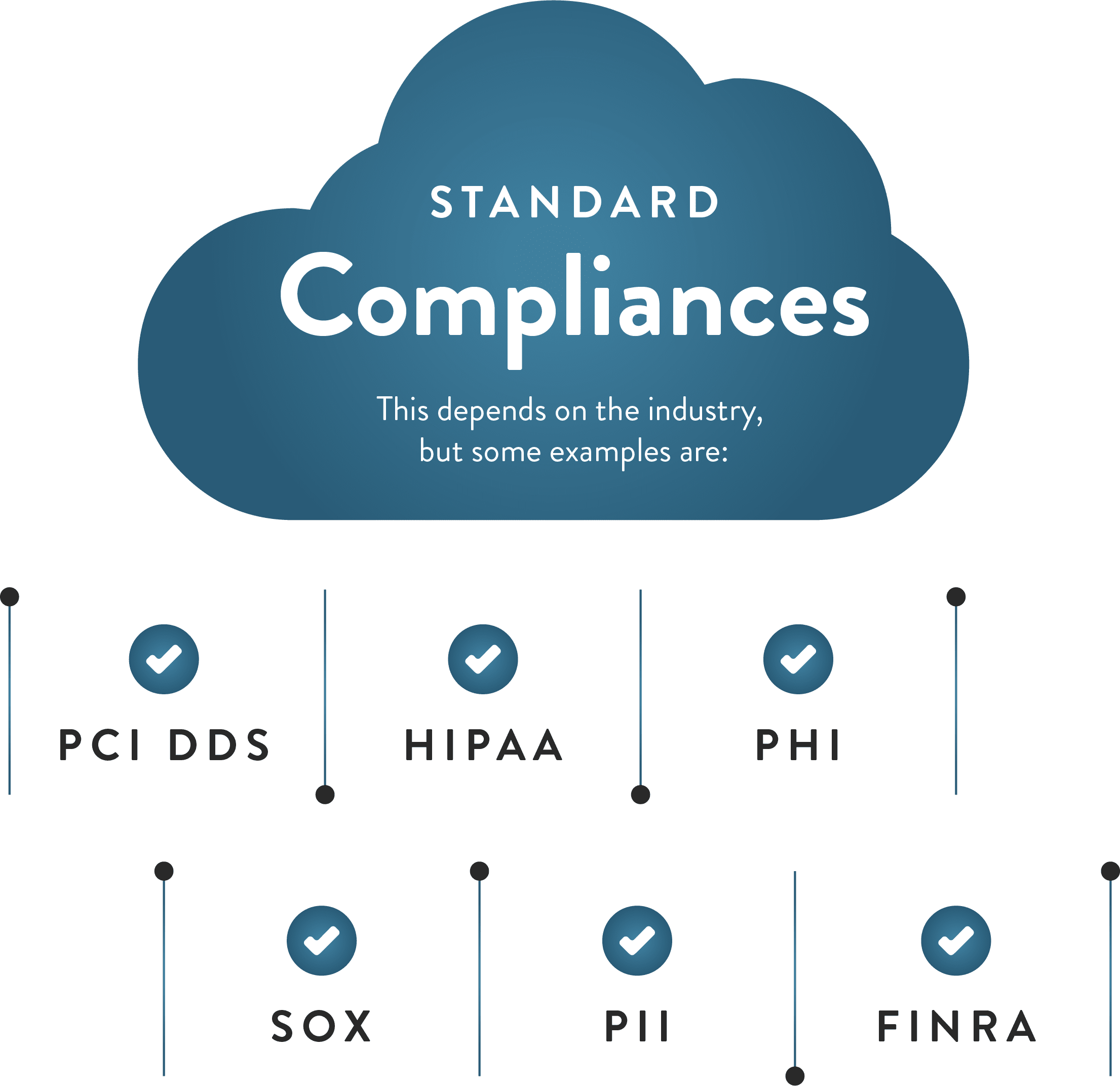
We begin by assessing your actual security requirements, considering your industry, data sensitivity, and compliance obligations. We then implement the proper protections tailored to your specific situation. You get absolute security that matches your risk profile—not an over-engineered solution you don't need or an under-protected environment that leaves you vulnerable.
Wahaya IT's Layered Approach to Microsoft 365 Security
Security isn't a single switch you flip on; it's a comprehensive approach. Adequate protection requires multiple layers of defense working together. Here's how we secure your Microsoft 365 environment:
Wahaya IT's layered approach to Microsoft 365 security recognizes that proper protection is not achieved by flipping a single switch, but by building multiple defenses that work cohesively. To secure your Microsoft 365 environment, we have implemented several integrated strategies.
First, for identity protection, we enforce multi-factor authentication (MFA) on all accounts and establish conditional access policies based on location, device, and risk level. Our team monitors suspicious sign-in attempts and compromised credentials and conducts regular access reviews to remove unnecessary permissions.
Email security is maintained through advanced threat protection that guards against phishing and malware. We utilize email authentication methods, including SPF, DKIM, and DMARC, to prevent domain spoofing. Attachment scanning and safe links ensure that URLs are checked before they are clicked, and anti-spam filtering blocks junk mail before it reaches your inbox.
Data protection is a priority, with encryption applied to data both at rest and in transit. Data loss prevention (DLP) policies are designed to prevent the accidental sharing of sensitive information, while information rights management controls regulate document access and usage. For files shared outside your organization, secure external sharing controls are in place.
Device management is addressed through mobile device management (MDM) for both company-owned and personal devices. We manage which applications can access business data and provide remote wipe capabilities in the event a device is lost or stolen. Compliance policies are enforced on all devices to ensure security standards are maintained.
For threat detection and response, we provide 24/7 security monitoring to detect suspicious activity, with automated alerts for potential security incidents. Regular security assessments help identify vulnerabilities, and we have incident response procedures in place to quickly contain and remediate threats.
Governance and compliance are supported by audit logging across all Microsoft 365 services, retention policies that meet regulatory requirements, and eDiscovery capabilities for legal holds and investigations. We also conduct regular compliance reporting to support audits and regulatory reviews.
By combining these layers, Wahaya IT delivers a robust security posture for your Microsoft 365 environment, ensuring threats are stopped at multiple points and providing comprehensive defense-in-depth.
Get Microsoft 365 Right from the Start
Microsoft 365 gives your business powerful tools for productivity, collaboration, and communication. But realizing that potential requires proper setup, strong security, and expert management.
You shouldn't have to become a Microsoft 365 expert just to keep your business running. That's our job.
Wahaya IT brings deep expertise in Microsoft 365 implementation and management. We secure your environment correctly. We ensure you meet compliance requirements. We optimize your configuration for how your team works. We provide fast and reliable support whenever you need it.
Whether you're migrating to Microsoft 365 for the first time, seeking to enhance your current setup, or require more effective ongoing management, we're here to help.
Schedule a free consultation with Wahaya IT today. We'll review your current situation, discuss your business needs, and demonstrate how Microsoft 365 can be optimized to work better for your organization. No pressure. No obligation. Just straightforward advice from IT professionals who understand what mid-sized businesses need.
Migration and Setup Without the Headaches
Moving to Microsoft 365 from an older email system, local file servers, or a different cloud platform can feel overwhelming. Where do you start? How do you avoid data loss? How long will your team be disrupted?
We've migrated dozens of businesses to Microsoft 365. We know how to plan migrations that minimize disruption and eliminate data loss. You get a smooth transition with clear communication at every step.
Pre-Migration Planning
We start by understanding your current environment and business requirements. What email system are you using now? Where are your files stored? What compliance requirements apply to your data? What integrations with other systems need to continue working?
We document everything, create a detailed migration plan, and establish clear success criteria to ensure a seamless transition. You know exactly what's happening and when.
User Data Migration
We migrate your email, calendars, contacts, and files to Microsoft 365. Historical data comes into contact. Nothing gets lost. And we typically perform the actual migration outside business hours to minimize disruption.
Your team arrives on Monday morning with all their data accessible in the new system.
Domain and DNS Configuration
Moving email services requires precise DNS configuration. Get it wrong and email stops flowing. We handle all the technical DNS changes, configure email routes correctly, and ensure continuity throughout the transition.
Your customers and partners never experience bounced emails or delivery delays.
Training and Support
New systems require new knowledge. We provide training tailored to your team's needs. Some users need comprehensive training sessions. Others just need quick reference guides. We adapt to your team's learning preferences.
And after migration, we stick around. Questions often arise as people begin using new features. We're available to answer them quickly so your team stays productive.
Ongoing Management and Support
Microsoft 365 isn't a "set it and forget it" solution. New features roll out constantly. Security threats evolve daily. Users' needs change as your business grows. Effective management requires ongoing attention.
We provide comprehensive Microsoft 365 management that keeps your environment secure, compliant, and optimized for your current needs.
Proactive Monitoring
Our systems monitor your Microsoft 365 environment 24/7. We track service health, security alerts, usage patterns, and performance metrics to ensure optimal service delivery. When issues arise, we often fix them before your team even knows there was a problem.
You get reliability without having to babysit your technology.
Regular Updates and Optimization
Microsoft regularly releases new features and updates. We evaluate each change, determine what benefits your business, and implement improvements strategically. You get the best new capabilities without disruption from unnecessary changes.
We also regularly review your configuration and usage patterns to ensure optimal performance. Are there features you're paying for but not using? Are there new capabilities that could boost productivity? We identify optimization opportunities and recommend improvements.
Security Management
Cyber threats evolve constantly. What protected you six months ago might not be enough today. We continuously monitor security trends, adjust your defenses as needed, and implement new protections when emerging threats require it.
We also conduct regular security assessments to identify potential vulnerabilities before criminals can exploit them. Your security posture remains strong, even as threats evolve.
License Management
Microsoft 365 offers multiple licensing tiers with different features and price points. We help you optimize licensing expenses by ensuring you have the proper licenses for each user's needs. Power users get advanced features. Basic users get essential tools without paying for capabilities they'll never use.
As your team grows or changes, we adjust licensing accordingly. You pay only for what you need.
User Support
Your team needs fast answers when Microsoft 365 questions arise. How do I share this file externally? Why hasn't this email been sent? How do I set up this Teams meeting?
We provide responsive support that resolves issues quickly. Your team stays productive instead of wasting time searching for answers or waiting in long support queues.
Common Questions & Misconceptions
"Microsoft handles security, so we're automatically protected, right?"
Not quite. Microsoft provides security tools, but most require configuration to work effectively. Many advanced security features are disabled by default. Others require customization tailored to your specific business needs. Think of it like having a car with airbags and seatbelts—the safety features exist, but you need to use them properly to get the protection they provide.
"We're too small to be targeted by cybercriminals."
Small and mid-sized businesses face the same threats as enterprises. Criminals often target smaller organizations specifically because they tend to have weaker defenses. Your business data, customer information, and financial access are just as valuable to criminals regardless of company size.
"Cloud email isn't reliable for mission-critical business."
Microsoft 365 delivers 99.9% uptime, backed by Microsoft's service-level agreement. That's typically more reliable than on-premises email servers, which are vulnerable to local power outages, hardware failures, or internet disruptions. And with email accessible from any device and location, you maintain business continuity even during regional emergencies.
"Moving to Microsoft 365 means we'll lose our email history."
We migrate all your existing email, calendars, and contacts to Microsoft 365. Your historical data comes with you. In fact, Microsoft 365's powerful search and archiving capabilities often make it easier to find old emails than in your previous system.
"Setting up Microsoft 365 is too disruptive for our business."
Properly planned migrations happen with minimal disruption. We typically migrate data outside business hours. Your team arrives on Monday with everything working in the new system. Yes, there's an adjustment period as people learn new tools, but we provide training and support to minimize the impact on productivity.
"Microsoft 365 is expensive compared to basic email."
Microsoft 365 includes far more than email. You get collaboration tools, file storage, video conferencing, security features, and business apps all in one platform. When you add up the cost of maintaining separate solutions for each function, Microsoft 365 typically provides better value with less complexity.
"We can just use the free versions of Microsoft tools."
Free personal Microsoft accounts lack the business-class security, compliance features, and support typically found in business accounts. You get limited storage, no administrative controls, no security monitoring, and no ability to manage users or protect company data. For business use, paid Microsoft 365 licenses provide essential capabilities that free accounts simply can't match.
"Once we're set up, we won't need ongoing IT support."
Microsoft 365 requires continuous management. Security threats emerge daily. New features roll out monthly. Users need support as questions arise. License optimization reduces costs. Without ongoing management, your environment gradually becomes less secure and less efficient. Proactive management prevents problems and keeps your investment working optimally.